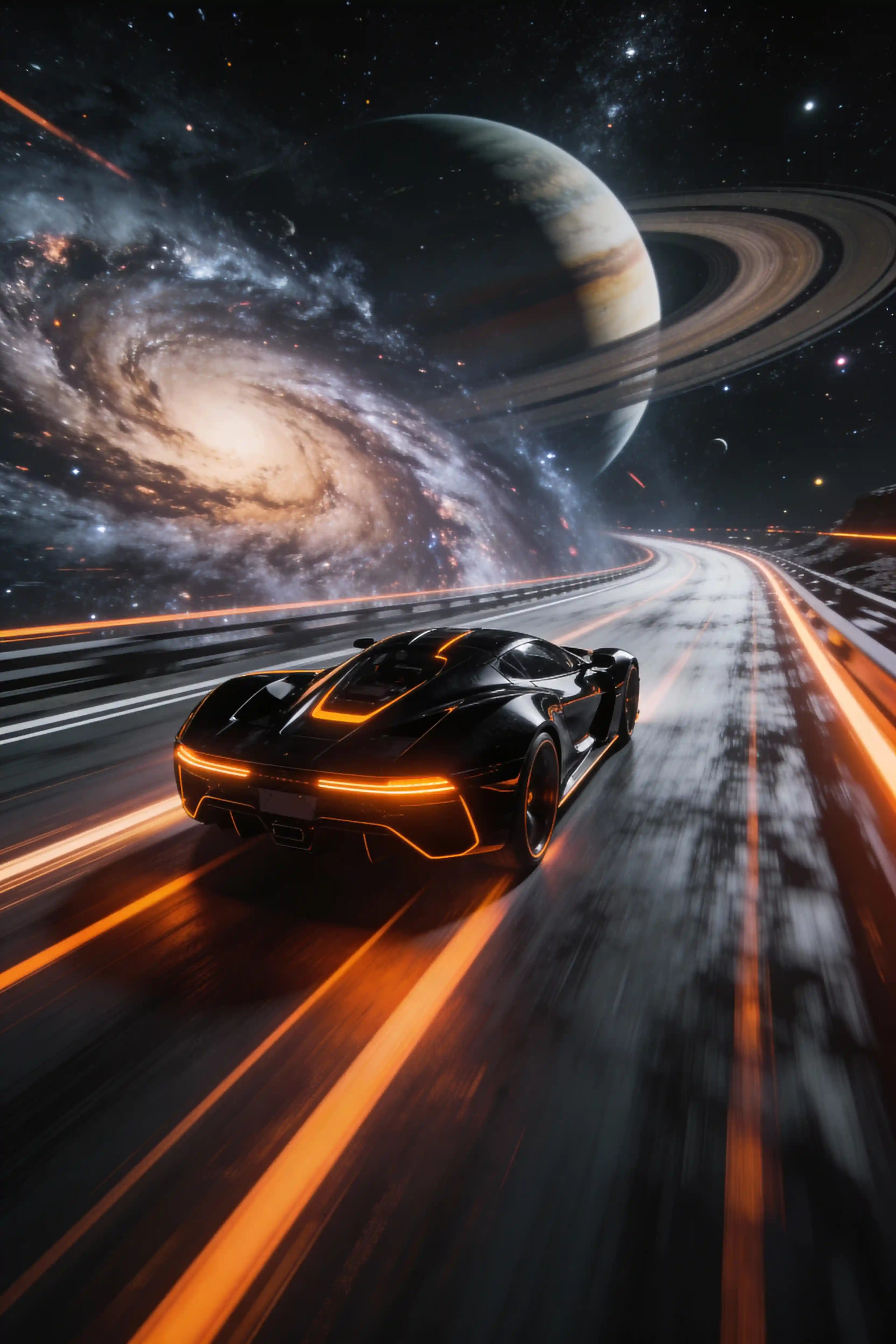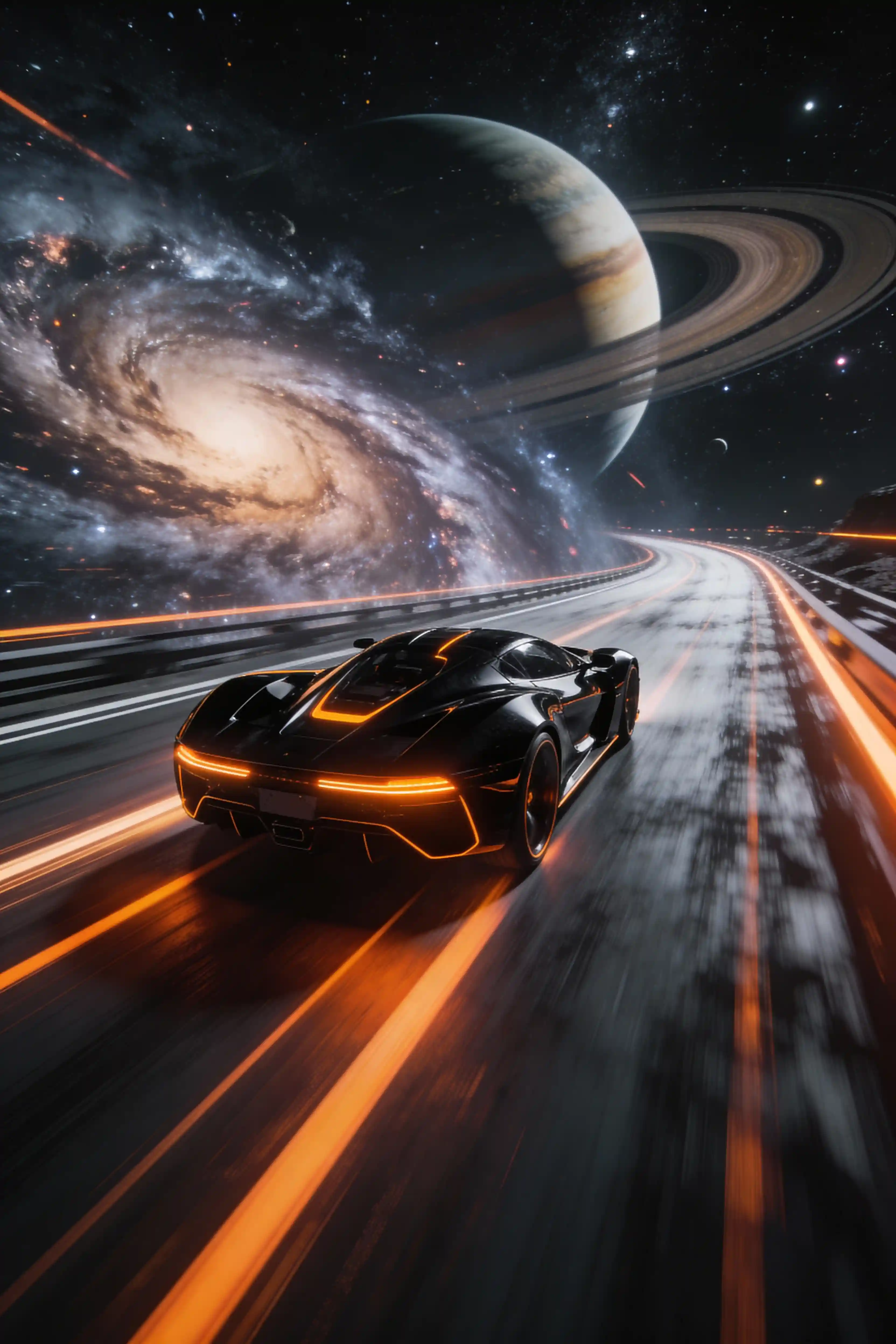
Grok Imagine cosmic racer hero background
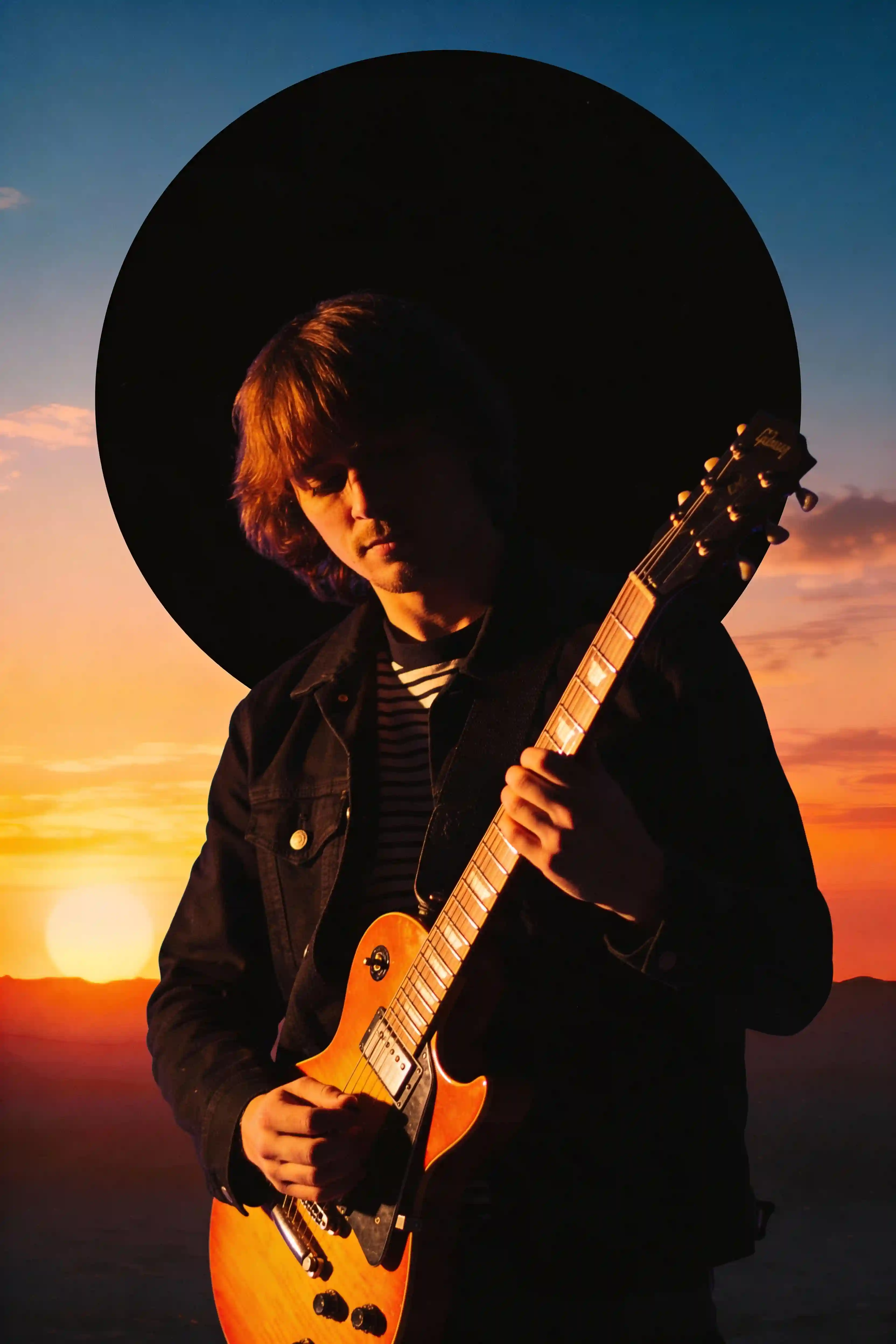
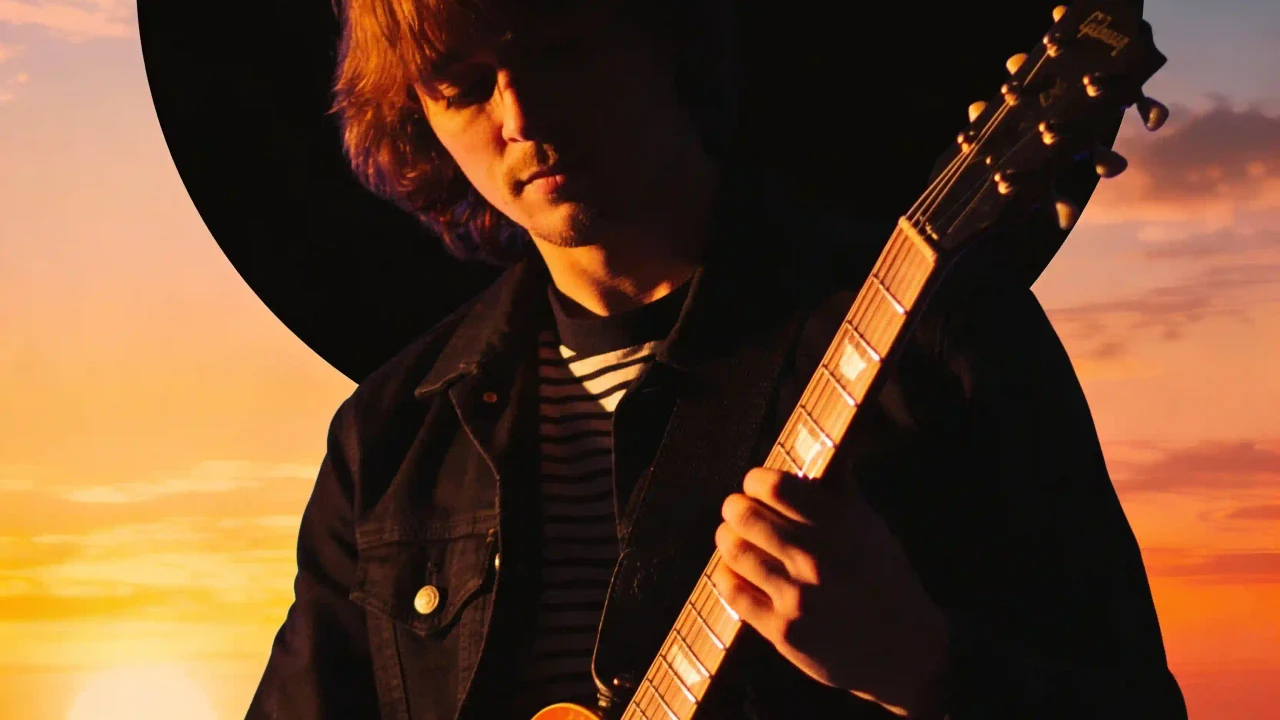
Grok Imagine synthwave guitarist hero background
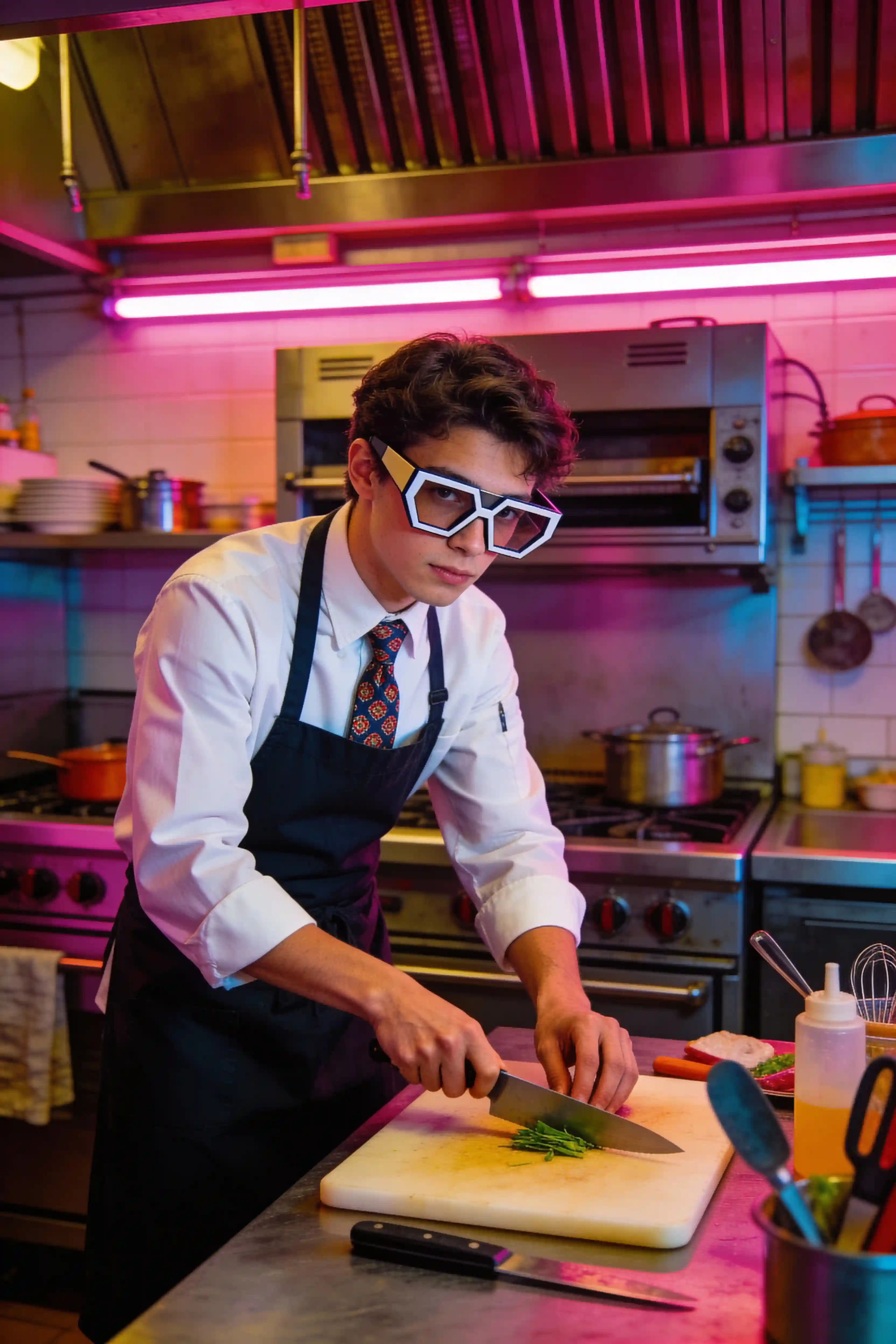
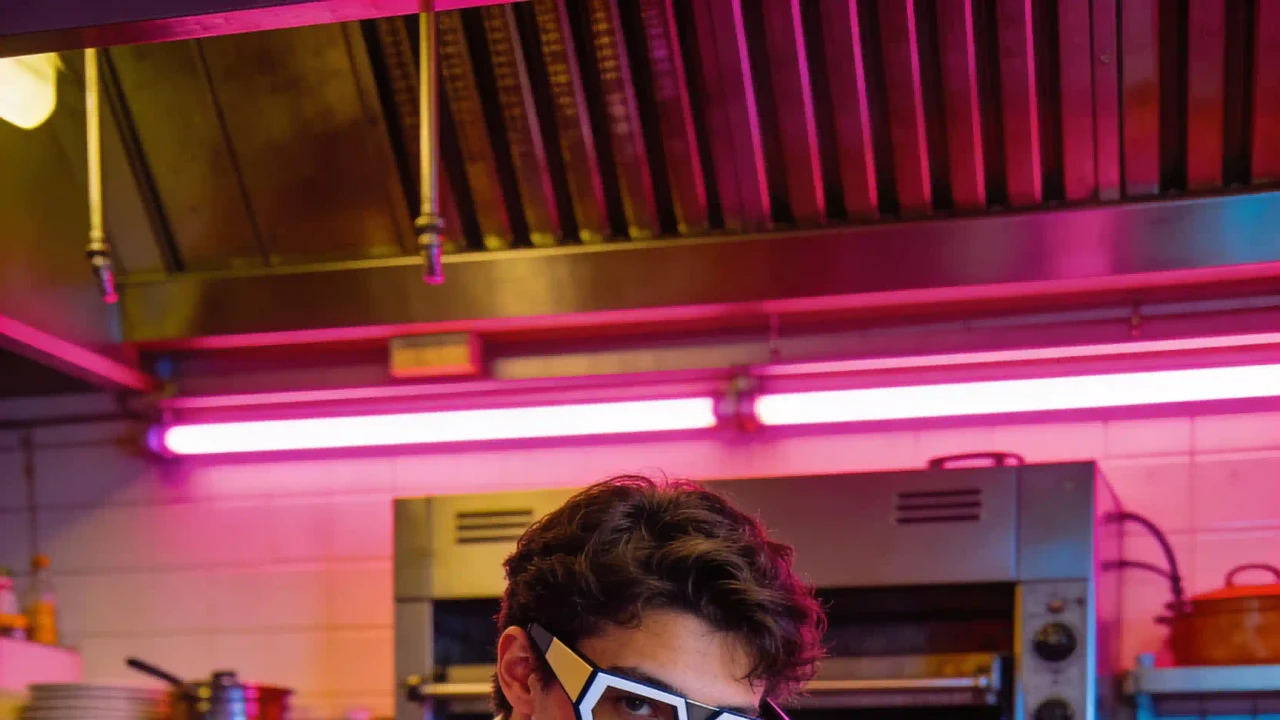
Grok Imagine retro future chef hero background
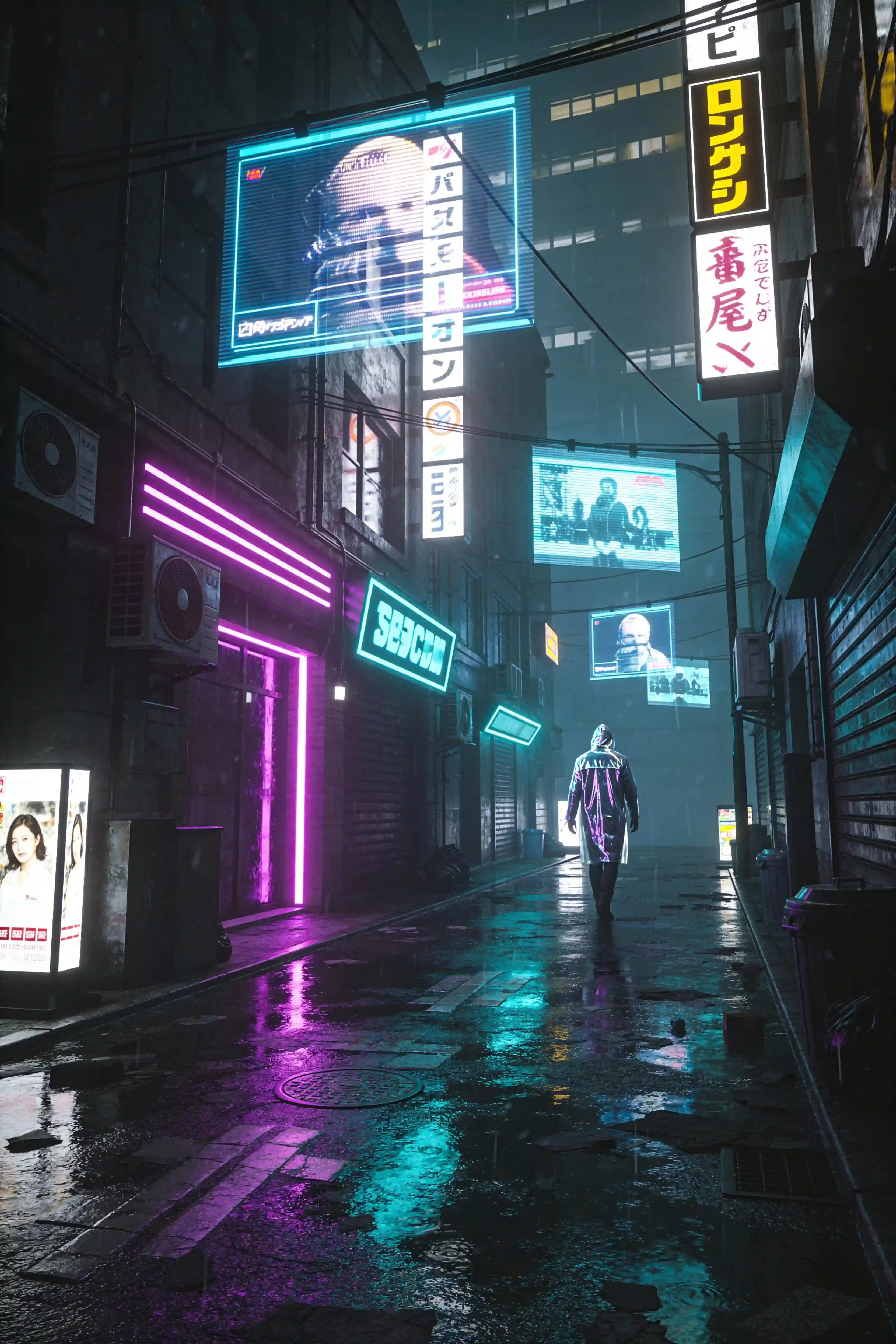
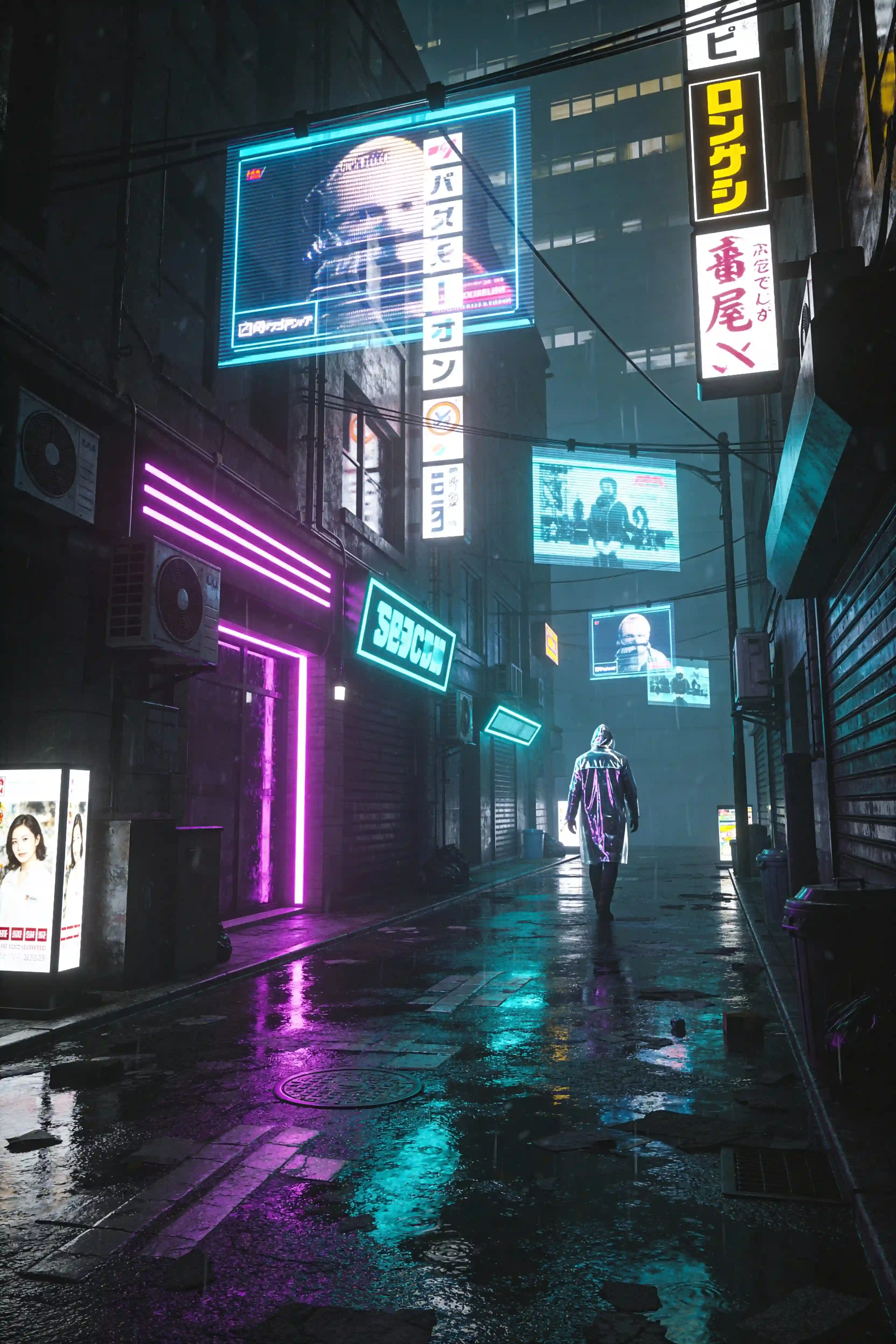
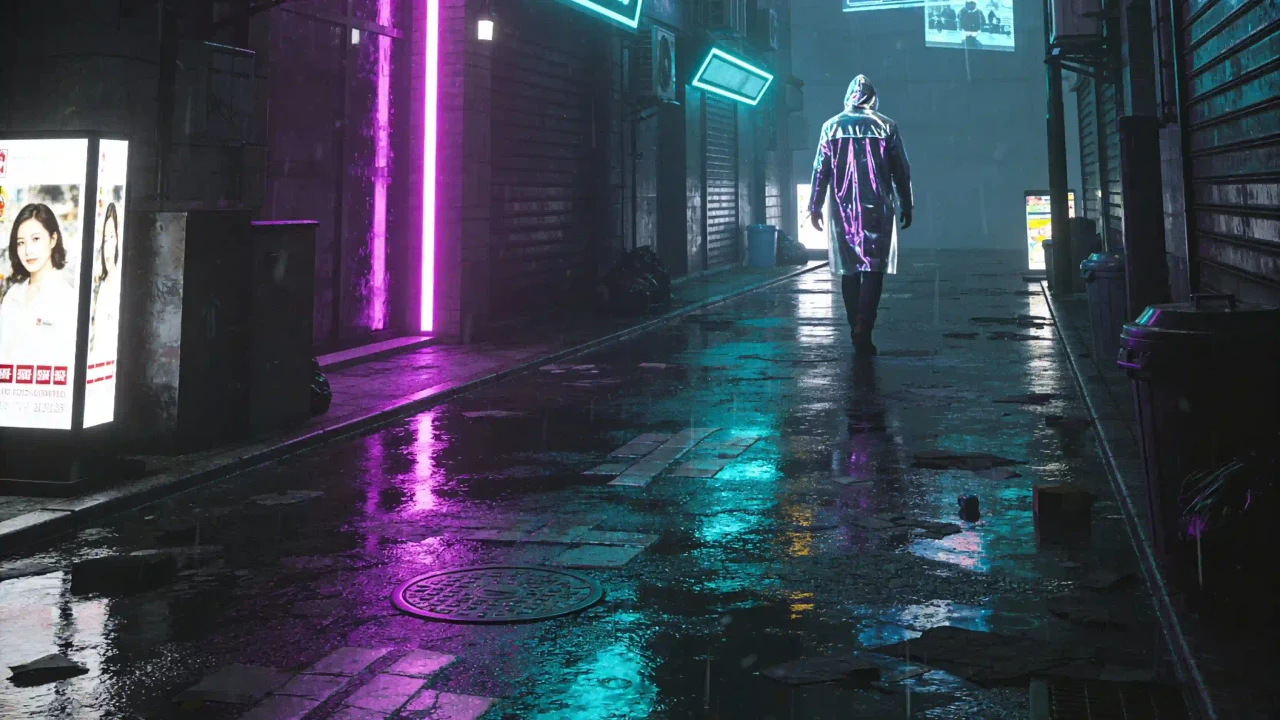
Grok Imagine cinematic alley hero background
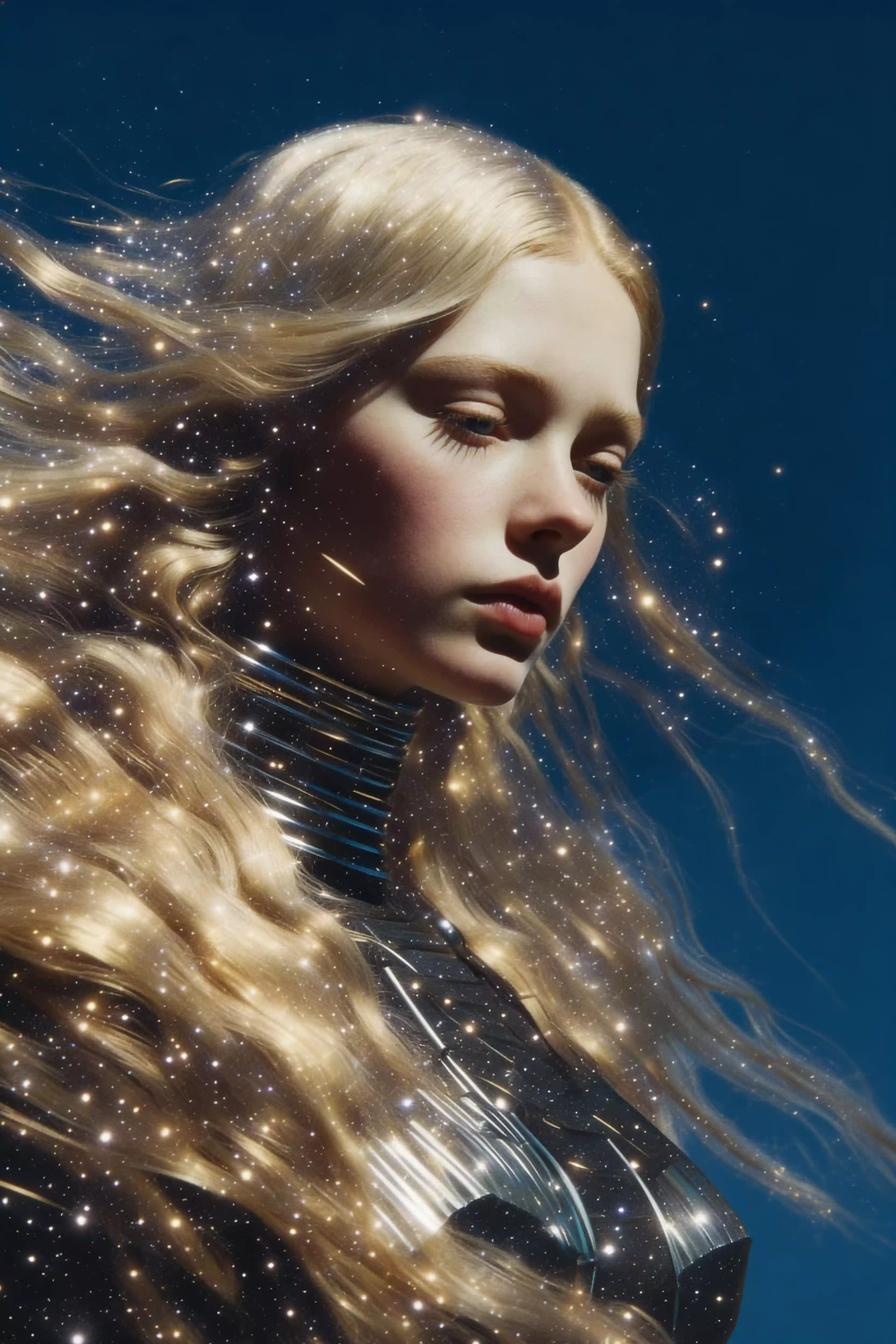
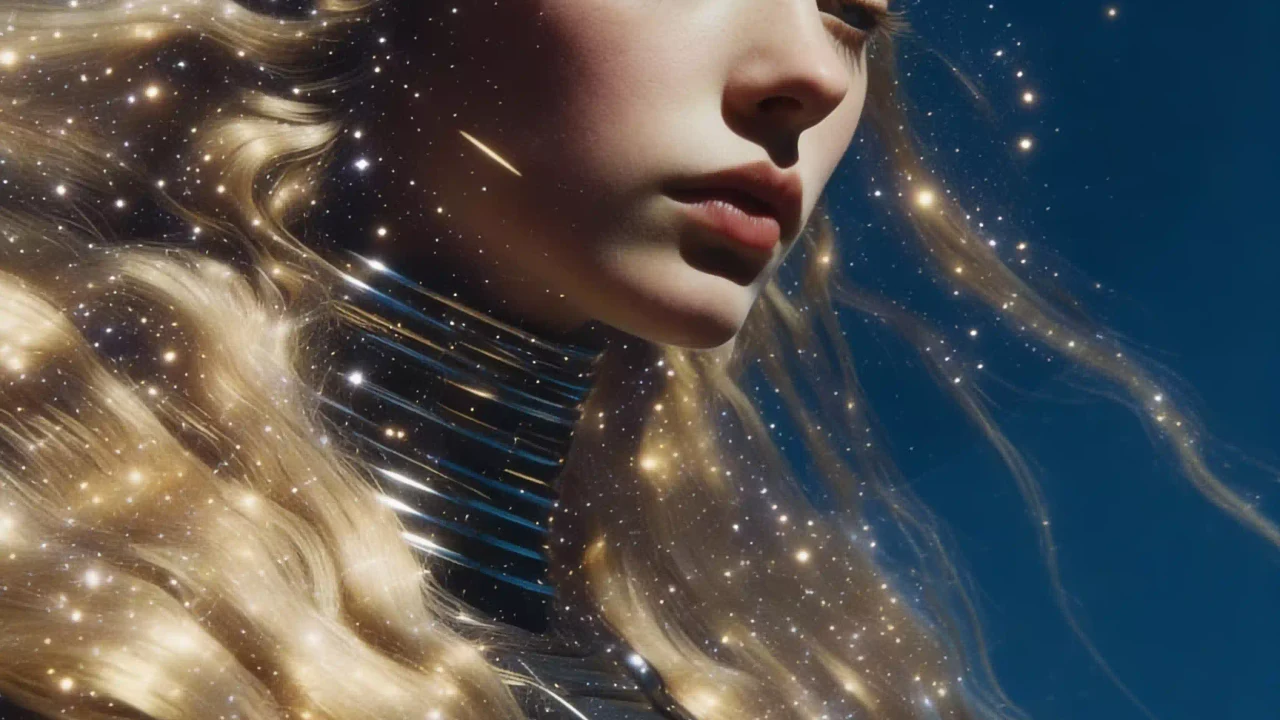
Grok Imagine starry double exposure hero background
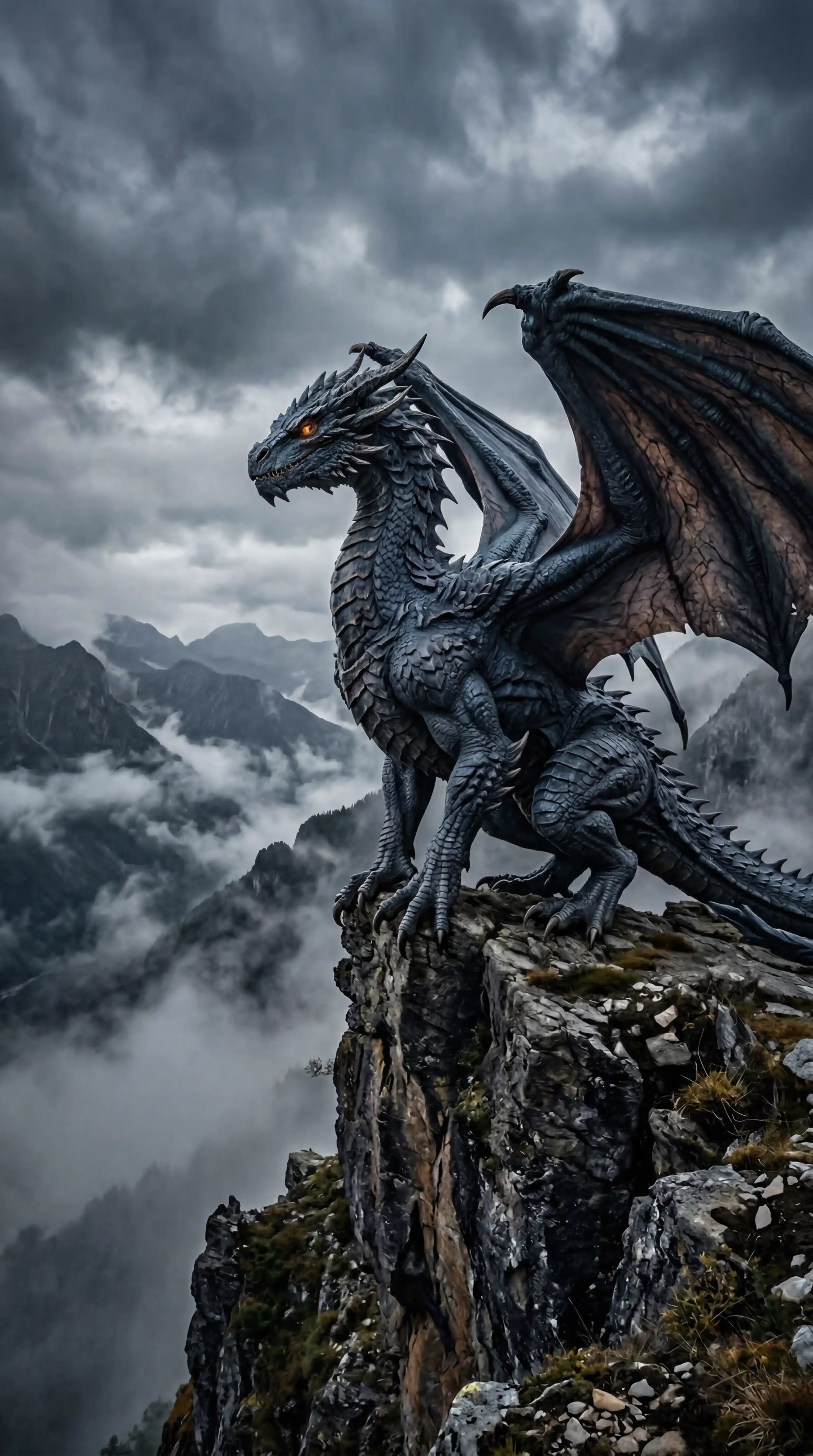
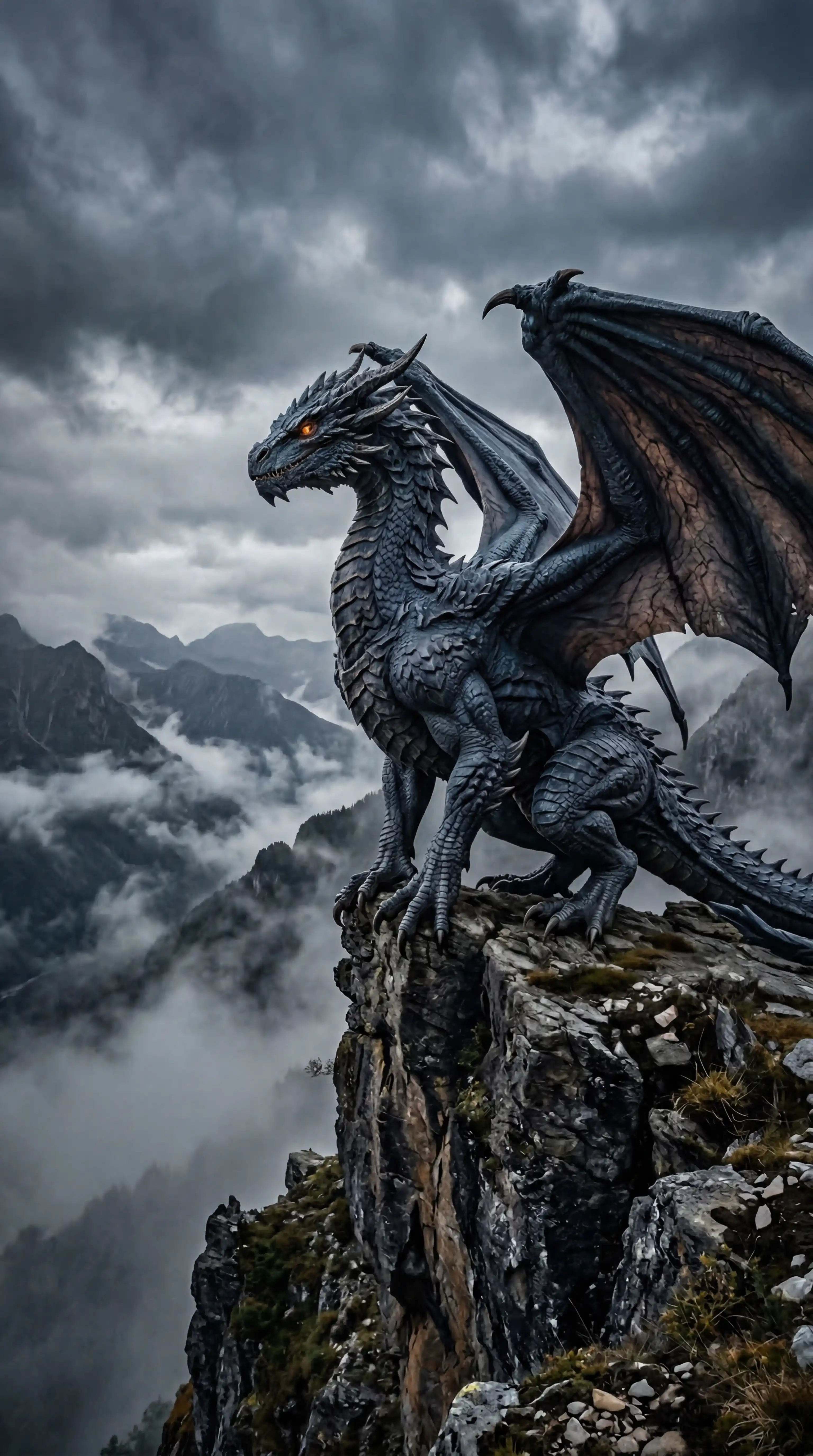
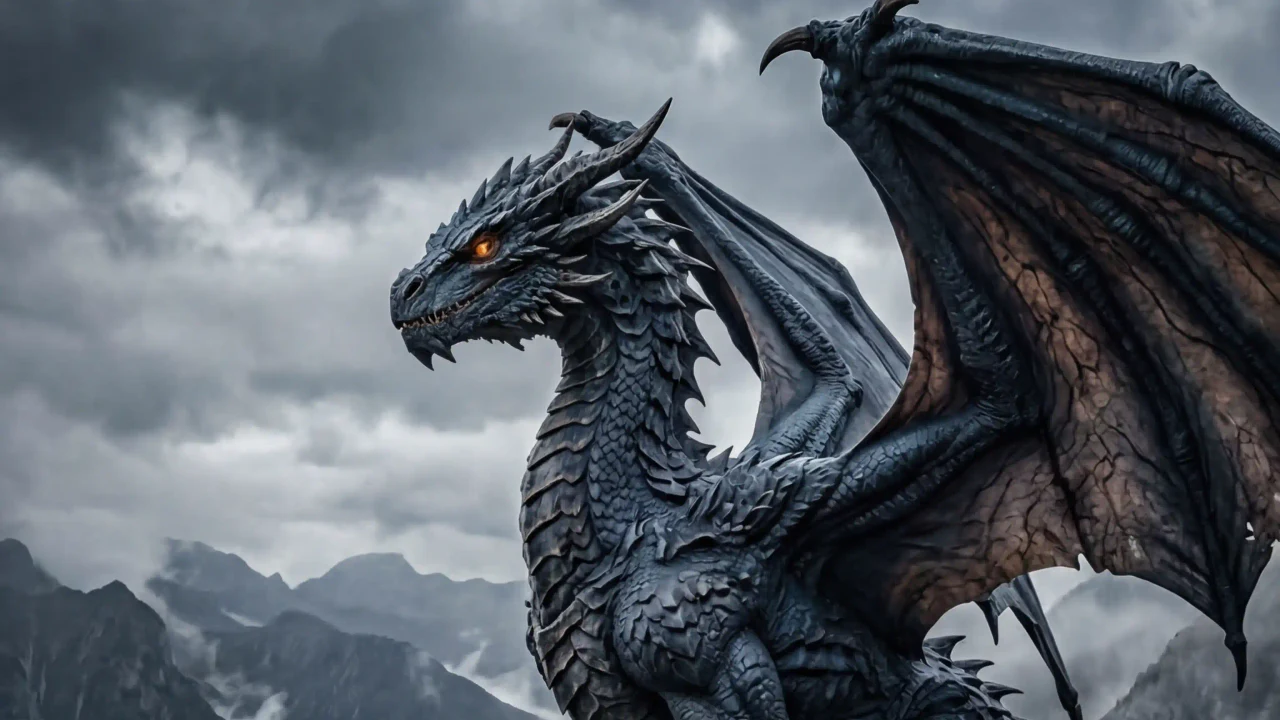
Grok Imagine dragon cliff hero background

Grok Imagine
AI Image Generator

Motion-ready stills, social-first concepts, and reference-led image edits.

Use Grok Imagine

Grok Imagine is known for a bold image-and-video creative style. This generator focuses that energy into text-to-image and image-to-image workflows: write a scene with camera movement, mood, and social context, then shape it into a cinematic visual direction.

Trusted creator avatars
Trusted by creators exploring fast AI image directions

0/5000 characters

Grok Imagine Fast costs 5 credits per generation

Sign in and claim 4 credits from today's check-in

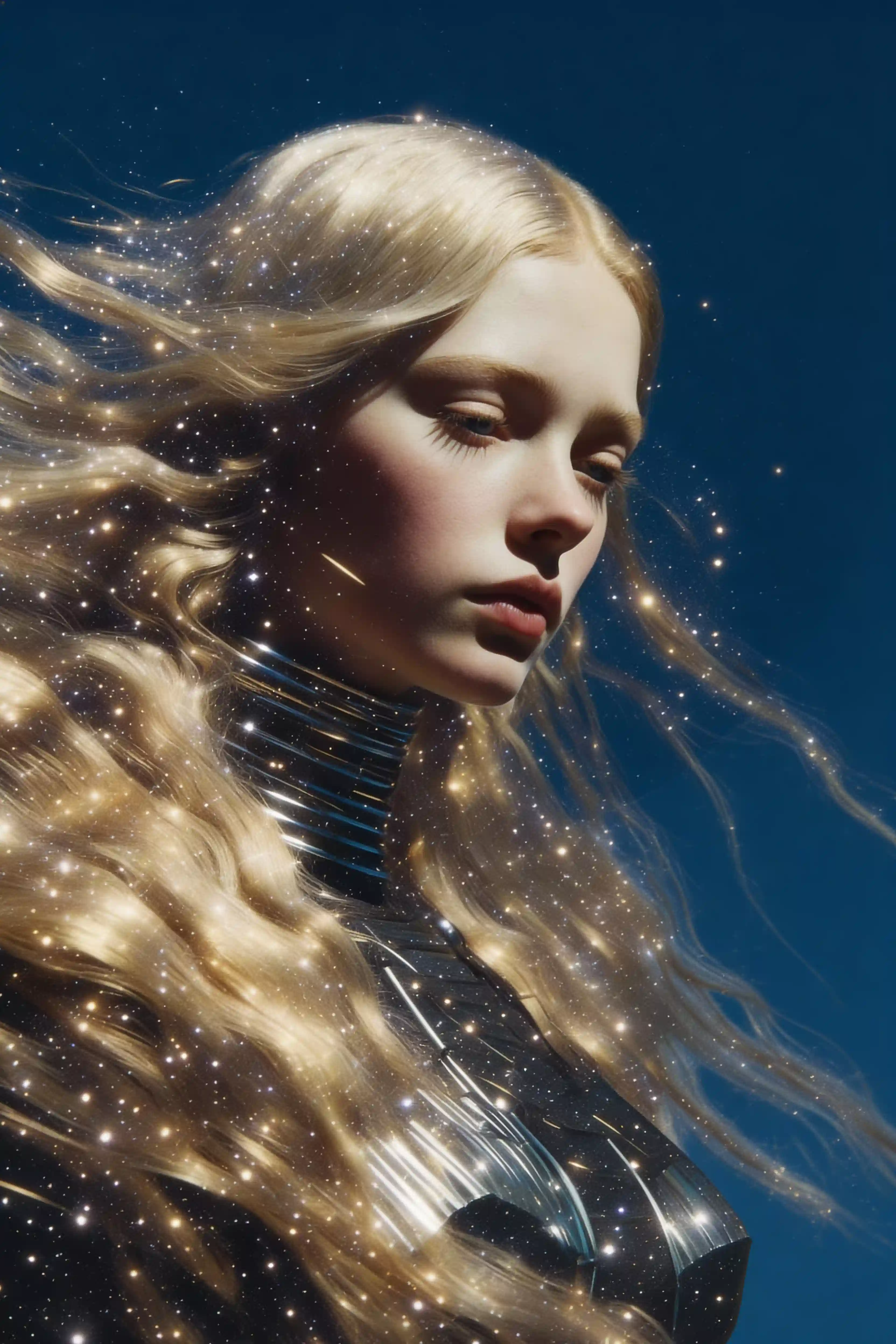
Grok Imagine starry double exposure portrait prompt example
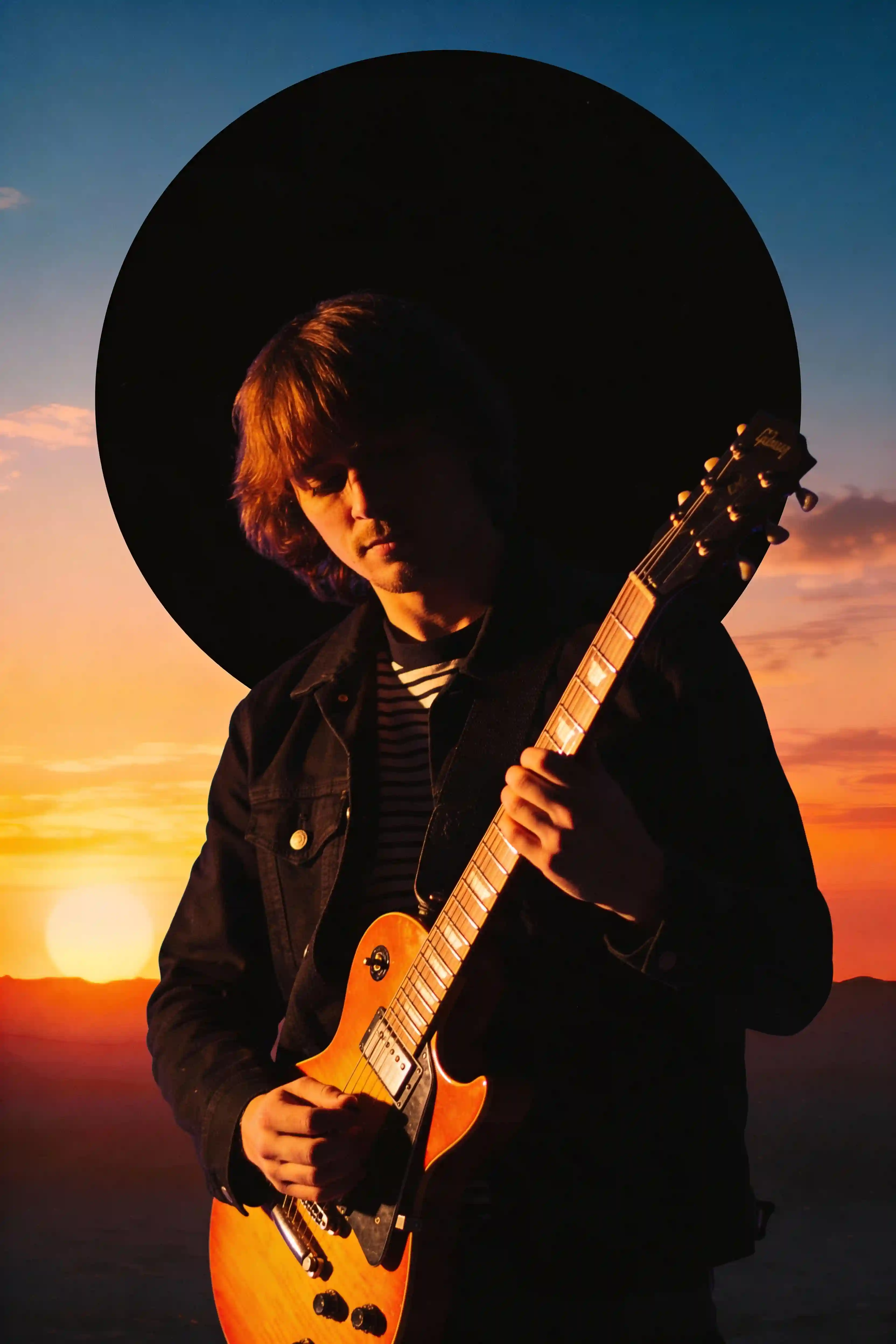
Grok Imagine synthwave guitarist silhouette prompt example
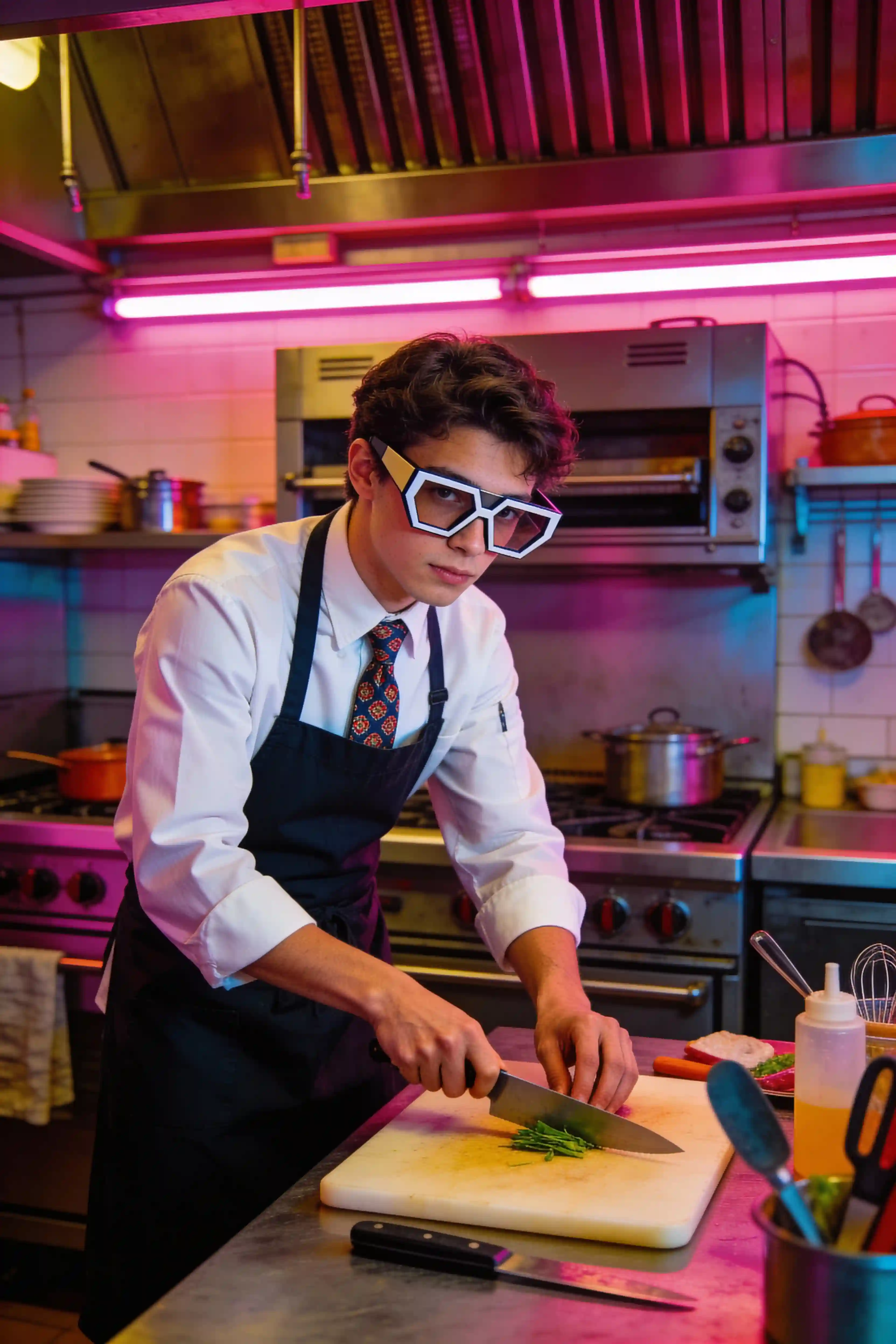
Grok Imagine retro future chef prompt example
Grok Imagine cyberpunk alley prompt example
Grok Imagine cosmic racer prompt example
Grok Imagine dragon on misty cliff prompt example

No Results Yet

Click the "Generate" button above to start creating

2ways

Prompt or reference

Start from a scene brief, or upload reference images when identity, pose, product, or layout already matters.

5ratios

Creator frame formats

Create square, vertical, horizontal, and poster-style frames for thumbnails, posts, ads, and landing-page visuals.

2modes

Explore or polish

Use fast mode to search for a direction, then quality mode when the frame, mood, and subject are worth refining.

5refs

Multi-reference edits

The image-to-image path accepts up to five reference images, so identity, layout, product details, and style cues can work together.

5+credits/use

Usage count

Each Grok Imagine run counts as one use: fast generations and edits start at 5 credits, while quality mode uses 6 credits.

Same workflow, different job

Grok Imagine fits where creative teams need cinematic direction, not another static demo.

Choose the model by the job. Some images need clean layouts or product precision; others need attitude, motion, and a visual hook. Grok Imagine belongs in the second lane: fast cinematic direction for creator campaigns, thumbnails, moodboards, and reference-led image edits.

Nano Banana 2

Balanced production workhorse

Good default choice for general image generation, product visuals, and repeatable everyday creative tasks.

GPT Image 2

Text and layout specialist

Useful when readable copy, UI-like composition, posters, and structured layouts matter more than quick variation.

Grok Imagine

Motion-ready concept lane

Best when a prompt needs cinematic energy, social-first styling, or a still image that feels ready for motion.

Feature showcase

A creative flow tuned for cinematic image creation.

Use Grok Imagine when a prompt should become a scene, not just a picture. The page focuses on director-style prompting, social-first image ideas, and reference edits that help a rough concept become a clearer visual asset.

Design stills that feel ready to move

Grok Imagine is most interesting when the prompt feels like a director’s note, not a static illustration request. Ask for camera angle, subject movement, atmosphere, timing, and a strong opening frame so the result reads like a still pulled from a short video or campaign teaser.

  • Prompt for lens choice, motion cues, emotional beat, and environment.
  • Create stills that can become thumbnails, storyboards, or moodboards.
  • Use quality mode when the frame needs cleaner detail and stronger polish.
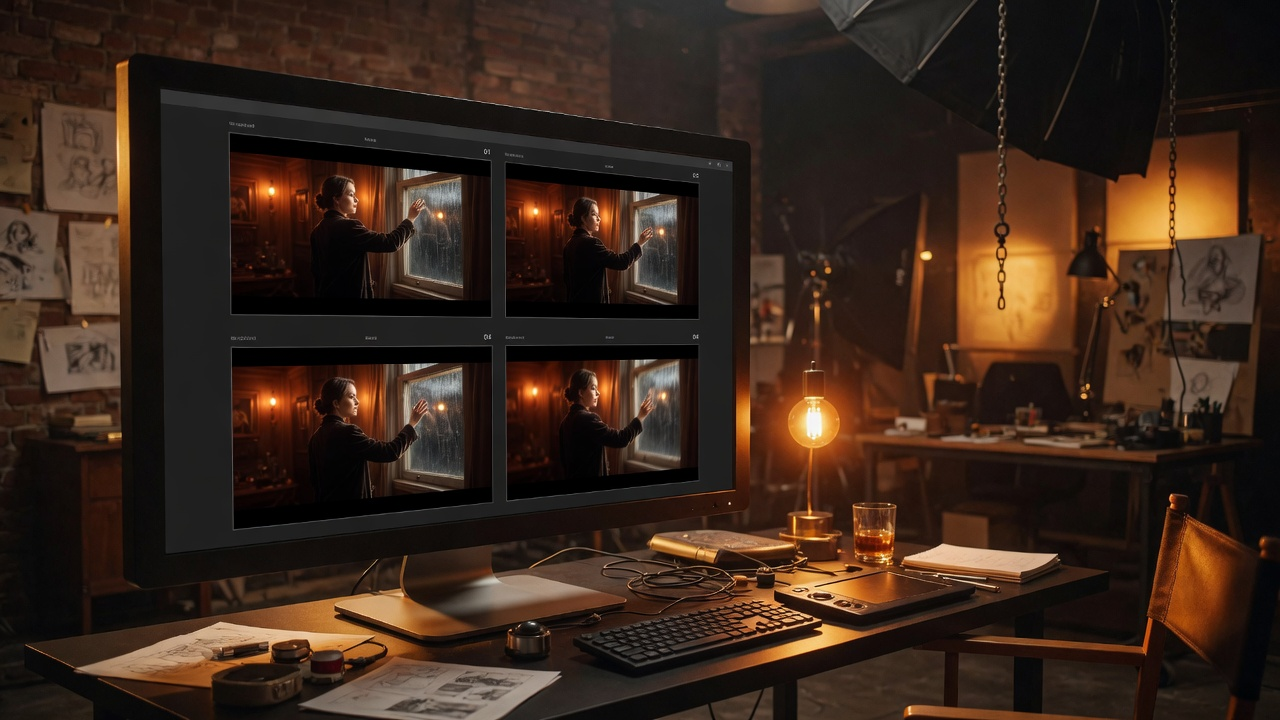
Grok Imagine feature preview for motion-ready cinematic stills

Build social-first ideas with a strong first read

The real hook is not how many outputs appear at once. Grok Imagine is more compelling when it helps creators find a scroll-stopping idea: bold characters, strange product worlds, cinematic fashion frames, thumbnail concepts, and visual hooks that can survive a fast-moving feed.

  • Use punchy composition for creator posts and ads.
  • Explore color, silhouette, expression, and story before production.
  • Turn a rough creative angle into a clearer visual direction quickly.
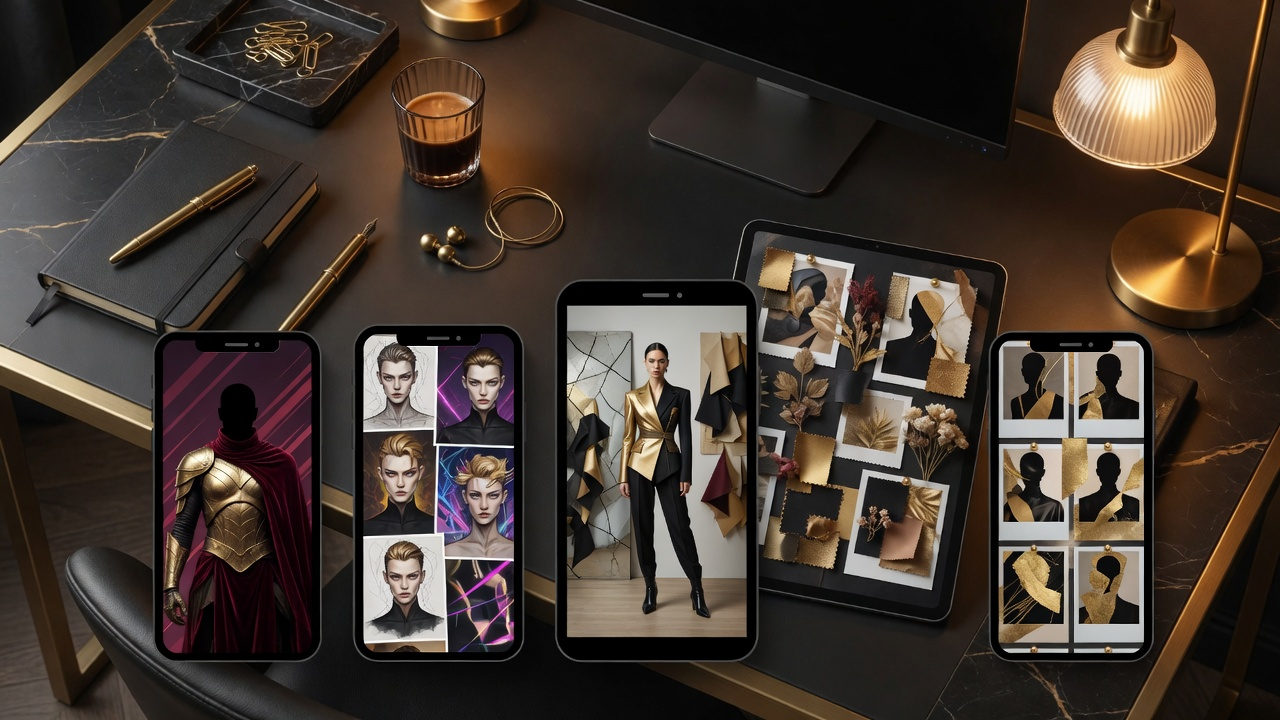
Grok Imagine feature preview for social-first campaign concepts

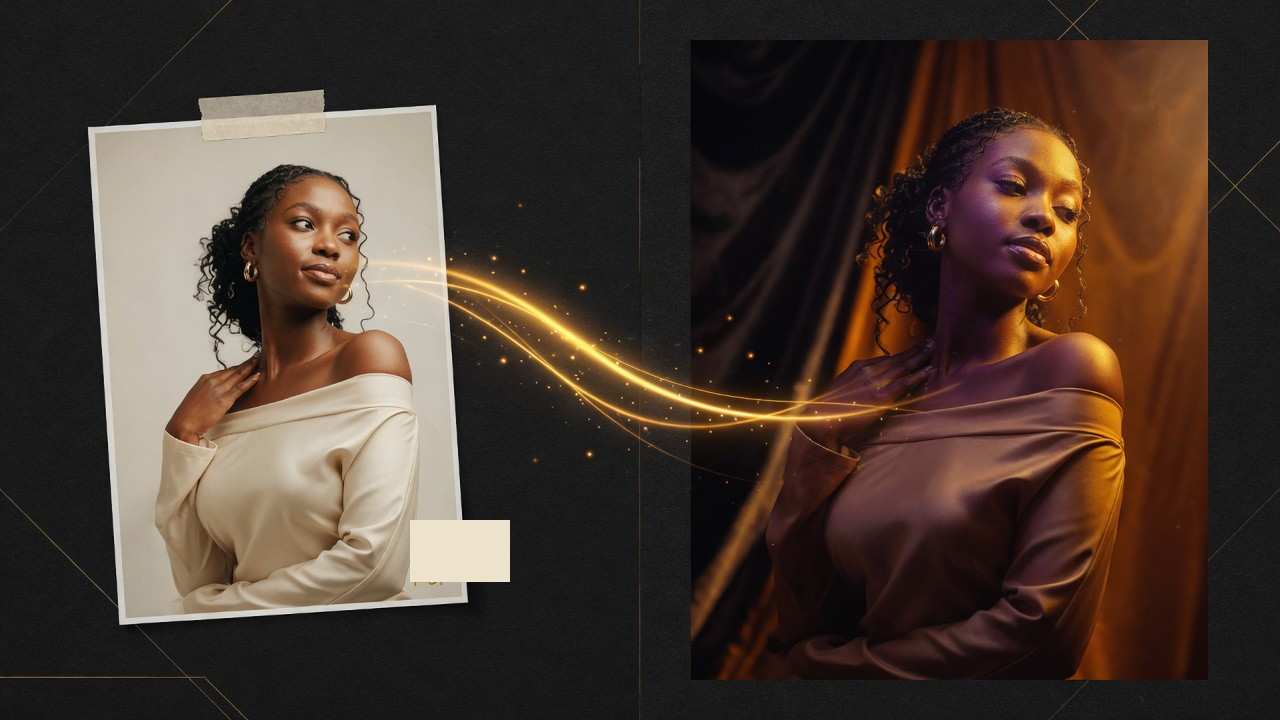
Turn a reference image into a stronger direction

The image-to-image workflow gives the model a concrete anchor. Upload a source image, describe the new setting, mood, camera, lighting, or audience, and guide the edit toward a more cinematic direction while keeping the original reference useful.

  • Use up to five references when identity, posture, product details, or scene layout matters.
  • Describe the edit as lighting, setting, camera, and emotional intent.
  • Keep the source image as the anchor while changing the creative direction.
Grok Imagine feature preview for reference-led image edits

Core features

Everything on the page points back to cinematic direction.

The feature set is practical: write a richer scene, control the frame format, explore a visual hook, then use a reference when the subject or layout needs to stay recognizable.

Motion-aware prompting

Grok Imagine prompts work best when they describe camera angle, implied movement, subject energy, and the kind of scene a viewer should feel.

Creator-feed styling

Use the model for bold thumbnails, social posts, character concepts, and campaign moodboards where first-read impact matters.

Reference-led image edits

Upload up to five images when the source material already has the identity, layout, pose, product, or style cues. Then guide the edit with mood, lighting, and camera language.

Multiple social ratios

Create portrait, landscape, square, and vertical frames for ads, creator posts, landing-page visuals, and short-form concepts.

Different from layout models

Use Grok Imagine when cinematic energy and visual direction matter more than dense typography or product-label precision.

Clear creative modes

Fast mode is for exploration, quality mode is for polish, and image-to-image is for reference-driven direction changes.

Workflow

From scene idea to creator-ready visual.

Treat each generation like a small creative sprint: define the scene, judge the first read, refine the camera and mood, then anchor the image with a reference when the idea needs more control.

01

Write the scene

Describe the subject, camera, lighting, movement, mood, and social context. Treat the prompt like a short creative brief, not a keyword list.

02

Find the first read

Look for the image that communicates fastest: silhouette, emotion, color, and composition should be clear before small details matter.

03

Shape the direction

Use quality mode when the idea is strong enough to refine, or adjust the prompt around camera language and story intent.

04

Anchor with a reference

Upload up to five reference images when identity, pose, product detail, or layout must stay recognizable, then ask for a clearer cinematic or social direction.

Choose Your Perfect Plan

Unlimited creativity starts here

Choose Subscription Plan

Basic
Perfect for individuals and light users
$9.50/mo

Billed annually at $114.00

Save 50%
INCLUDES
300credits / month
Approx. 21-150 images
Approx. 1-25 videos
View all model rates
ModelRateUnits
Nano Banana$0.127/img~75
Z Image$0.063/img~150
Nano Banana 2 Lite$0.095/img~100
Nano Banana 2 (up to)$0.158/img~60
Nano Banana Pro 1K/2K$0.25/img~37
Nano Banana Pro 4K$0.44/img~21
GPT Image 2$0.19/img~50
Grok Imagine (Fast)$0.158/run~60
Grok Video 480p 6s$0.38/video~25
Grok Video 720p 6s$0.67/video~14
Veo 3.1 Lite 720p$0.48/video~20
Veo 3.1 Lite 1080p$0.73/video~13
Veo 3.1 Fast 720p$0.95/video~10
Veo 3.1 Fast 1080p$1.20/video~7
Veo 3.1 Quality 720p$7.09/video~1
Veo 3.1 Quality 1080p$7.32/video~1
  • All image and video models, including Grok Imagine
  • High-resolution watermark-free downloads
  • All style templates included
MOST POPULAR
Pro
For professional creators and teams
$19.50/mo

Billed annually at $234.00

Save 50%
INCLUDES
1600credits / month
Approx. 114-800 images
Approx. 6-133 videos
View all model rates
ModelRateUnits
Nano Banana$0.049/img~400
Z Image$0.024/img~800
Nano Banana 2 Lite$0.037/img~533
Nano Banana 2 (up to)$0.061/img~320
Nano Banana Pro 1K/2K$0.10/img~200
Nano Banana Pro 4K$0.17/img~114
GPT Image 2$0.07/img~266
Grok Imagine (Fast)$0.061/run~320
Grok Video 480p 6s$0.15/video~133
Grok Video 720p 6s$0.26/video~76
Veo 3.1 Lite 720p$0.18/video~106
Veo 3.1 Lite 1080p$0.28/video~69
Veo 3.1 Fast 720p$0.37/video~53
Veo 3.1 Fast 1080p$0.46/video~42
Veo 3.1 Quality 720p$2.73/video~7
Veo 3.1 Quality 1080p$2.82/video~6
  • All image and video models, including Grok Imagine
  • High-resolution watermark-free downloads
  • Commercial Use License
Max
Designed for large enterprises and professional studios
$80.00/mo

Billed annually at $960.00

Save 50%
INCLUDES
9200credits / month
Approx. 657-4600 images
Approx. 39-766 videos
View all model rates
ModelRateUnits
Nano Banana$0.035/img~2300
Z Image$0.017/img~4600
Nano Banana 2 Lite$0.026/img~3066
Nano Banana 2 (up to)$0.043/img~1840
Nano Banana Pro 1K/2K$0.07/img~1150
Nano Banana Pro 4K$0.12/img~657
GPT Image 2$0.05/img~1533
Grok Imagine (Fast)$0.043/run~1840
Grok Video 480p 6s$0.10/video~766
Grok Video 720p 6s$0.18/video~438
Veo 3.1 Lite 720p$0.13/video~613
Veo 3.1 Lite 1080p$0.20/video~400
Veo 3.1 Fast 720p$0.26/video~306
Veo 3.1 Fast 1080p$0.33/video~242
Veo 3.1 Quality 720p$1.95/video~41
Veo 3.1 Quality 1080p$2.01/video~39
  • All image and video models, including Grok Imagine
  • High-resolution watermark-free downloads
  • Commercial Use License

All plans include Grok Imagine plus access to every supported image and video model.

Prices are listed in USD. Secure payments are processed by Stripe. Stripe Checkout may display your final charge in another supported currency before payment.

Generator FAQ

What is Grok Imagine best for?

Grok Imagine is best for motion-ready visual concepts, social-first image ideas, cinematic moodboards, and reference-led edits. The strongest use case is finding a visual direction that feels alive and ready for a creator workflow.

Does this page include Grok Imagine video?

This page currently supports Grok Imagine image generation and image-to-image editing. Public Grok Imagine coverage discusses image and video generation, but this implementation exposes the image workflows wired into this product.

Does image-to-image work?

Yes. The image-to-image flow accepts up to five uploaded reference images and automatically references them in the prompt.

How should I prompt Grok Imagine?

Write prompts with camera angle, subject energy, lighting, setting, style, and intended social use. Describe whether the image should feel like a cinematic frame, a creator thumbnail, a fashion concept, or a campaign moodboard.

Start with a scene, then shape the visual direction.

Use Grok Imagine when the prompt needs a visual pulse: a stronger scene, a sharper social hook, a more cinematic camera angle, or a reference-led edit that keeps the original idea recognizable.